Pixelfed
Federated photo sharing: pick a Pixelfed server, post pictures and albums, follow people on Pixelfed and the wider fediverse.
Web
Open source

42.0.23.0 · Instagram · Page updated
Instagram is Meta's photo and video social network. The Windows app brings the feed, Reels and direct messages to a PC running Windows 10 or 11.
Average 0.0 · ratings: 0
Thank you! Your rating is saved; you can change it. Could not save the rating. Please try again later. Too many ratings from your network today. Please try again tomorrow. The average appears after 5 ratings.
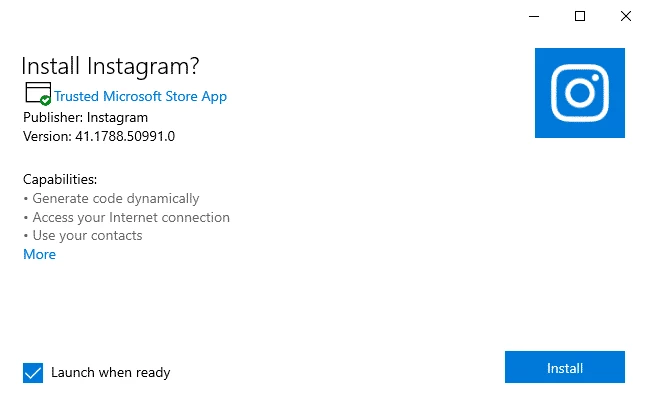
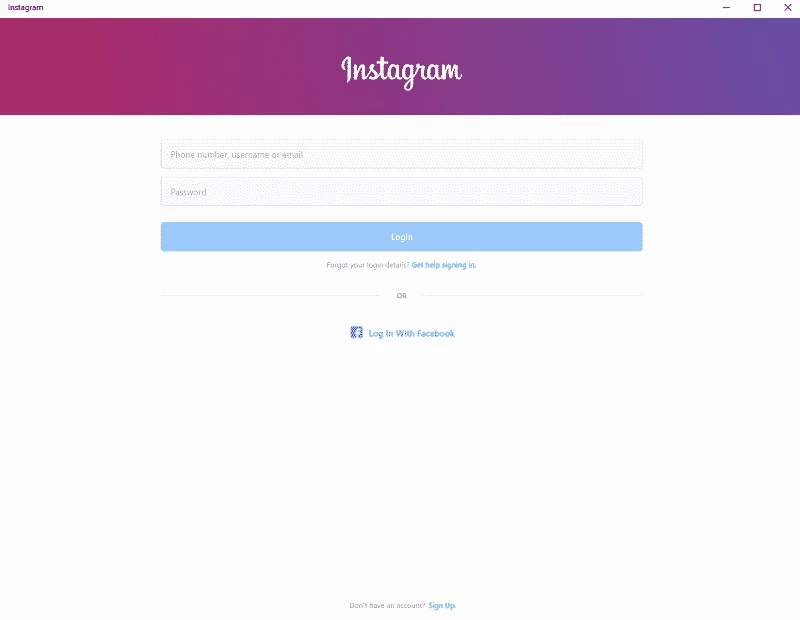
Instagram 42.0.23.0 for Windows is the desktop edition of Meta's photo and video sharing network, and you can download it for free through official channels. It runs on Windows 10 and Windows 11 and suits people who would rather keep up with their feed and messages on a big screen than on a phone.
Instagram started on 6 October 2010 as a mobile photo app created by Kevin Systrom and Mike Krieger, and phones are still its natural home. The desktop app makes sense for a specific group of people. Those who manage a brand, shop or portfolio and answer direct messages during the working day will appreciate typing replies on a real keyboard. Photographers and artists who already edit on a PC can check how a post looks at full size. And anyone who simply spends the day at a desk may prefer a proper window to picking up the phone every few minutes. If you post mainly from your camera roll while out and about, the phone app remains the better tool, and many people end up using both with the same account.
| Version | 42.0.23.0 |
|---|---|
| Developer | Instagram (Meta Platforms) |
| License | Freeware, proprietary |
| Systems | Windows 10, Windows 11 |
| Size | about 1.41 MB according to catalogue data |
You can also start from instagram.com, which links to the official apps.
The window follows the familiar structure: the feed in the centre, navigation on the left and messages one click away. Keyboard shortcuts and a mouse make scrolling through comments faster than on a touch screen, and you can keep the app open next to a browser or photo editor while you work.
The Store version is signed and updated by the developer, so it is the safe choice. Avoid installers from file-sharing sites and "Instagram for PC" bundles that come with extra software; they are not official and can hide malware. The app itself is free, and there is no charge to post, follow or message.
If your audience is elsewhere, the Windows apps for Threads, Reddit, LinkedIn and Facebook sit in the same social category.
Federated photo sharing: pick a Pixelfed server, post pictures and albums, follow people on Pixelfed and the wider fediverse.

Reddit for Windows is the desktop app of Reddit's discussion platform, where communities called subreddits share news, questions and posts.

Facebook Lite is the lightweight version of Facebook from Facebook Inc. This page covers build 530.0.0.8.106 listed for Windows.

The official Snapchat app for Windows from Snap Inc., available in the Microsoft Store. It runs Snapchat for Web in its own window.

X, formerly Twitter, is a microblogging service from X Corp. The Windows app puts your timeline, notifications and messages in a desktop window.

Threads is Meta's social networking and microblogging service for short public posts, connected to your Instagram account.

TikTok Web is the browser version of TikTok from ByteDance, letting you watch, search and post short videos on a Windows PC without installing an app.

LinkedIn for Windows is the desktop app of the social network for professionals, used for networking, job search and industry news.